-
Project Zomboid Cheats
 Cheat Menu, God Mode, ESP + More...
Quality Undetected Project Zomboid Hacks by Cosmo CheatsUndetected Project Zomboid Cheats
 Quality Project Zomboid Hacks from Cosmo Cheats
  Cheat Menu, God Mode, ESP & More...
-
Featured Products
Why Choose CosmoCheats for Project Zomboid Cheats?
-
Project Zomboid is one of the most unforgiving survival games available right now and anyone who has spent real time playing it knows exactly how fast a run can end. Whether you are playing solo or on a multiplayer server with friends, the game throws zombies, starvation, injury, and a brutal world at you constantly without any apology. Players who have mastered project zomboid have put serious time into understanding every mechanic, every character skill, and every location on the map and reaching that level without any project zomboid cheats takes far longer than most users want to spend. CosmoCheats has project zomboid cheats built to give every user the tools they need across every game mode and every server. Our project zomboid cheat menu, ESP, god mode, and full cheats package cover every key feature. Download from our website, check the page for current status, and get started.
Project Zomboid Hacks | Cosmo Cheats
Undetected Hacks and Cheats for Project Zomboid by Cosmo
CosmoCheats's Features
-
ESP & Wallhack Options
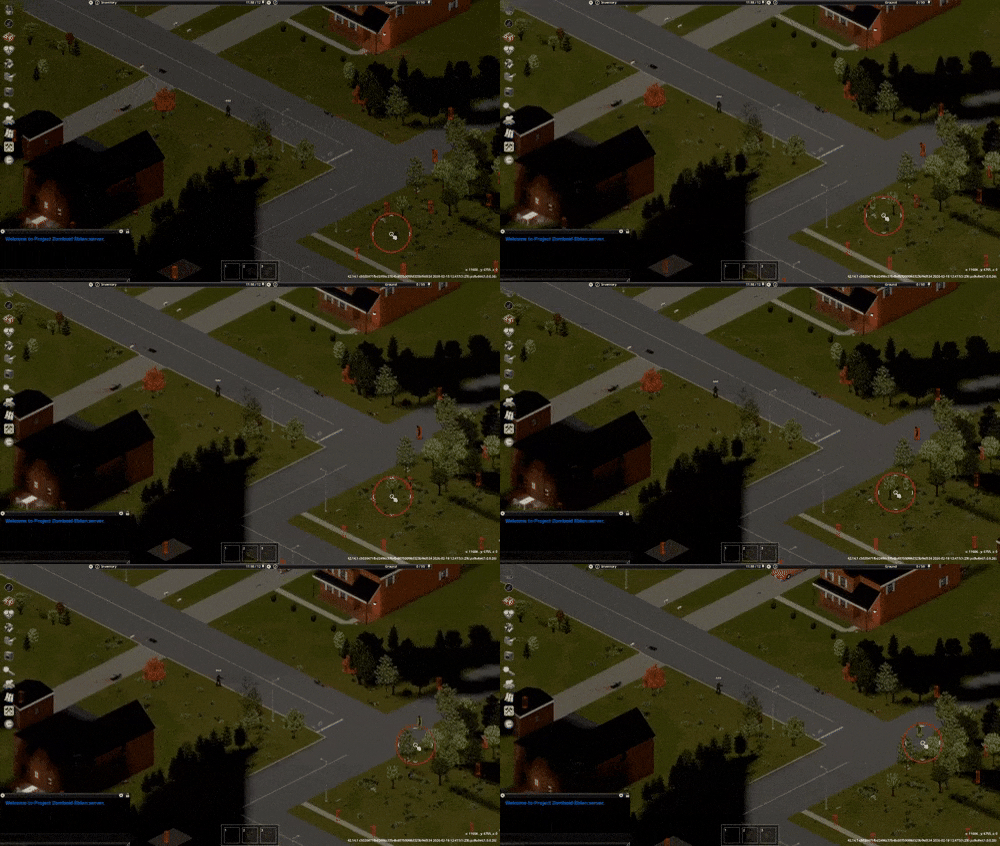
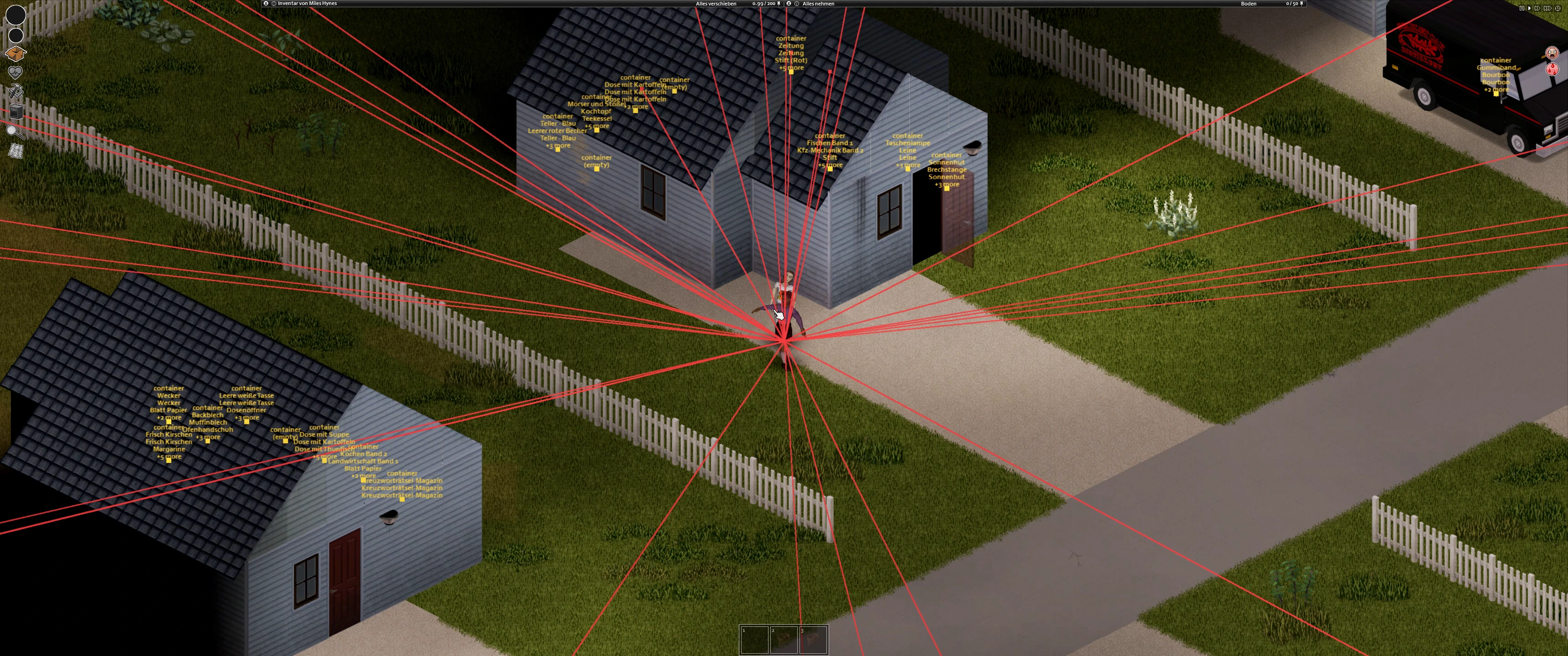
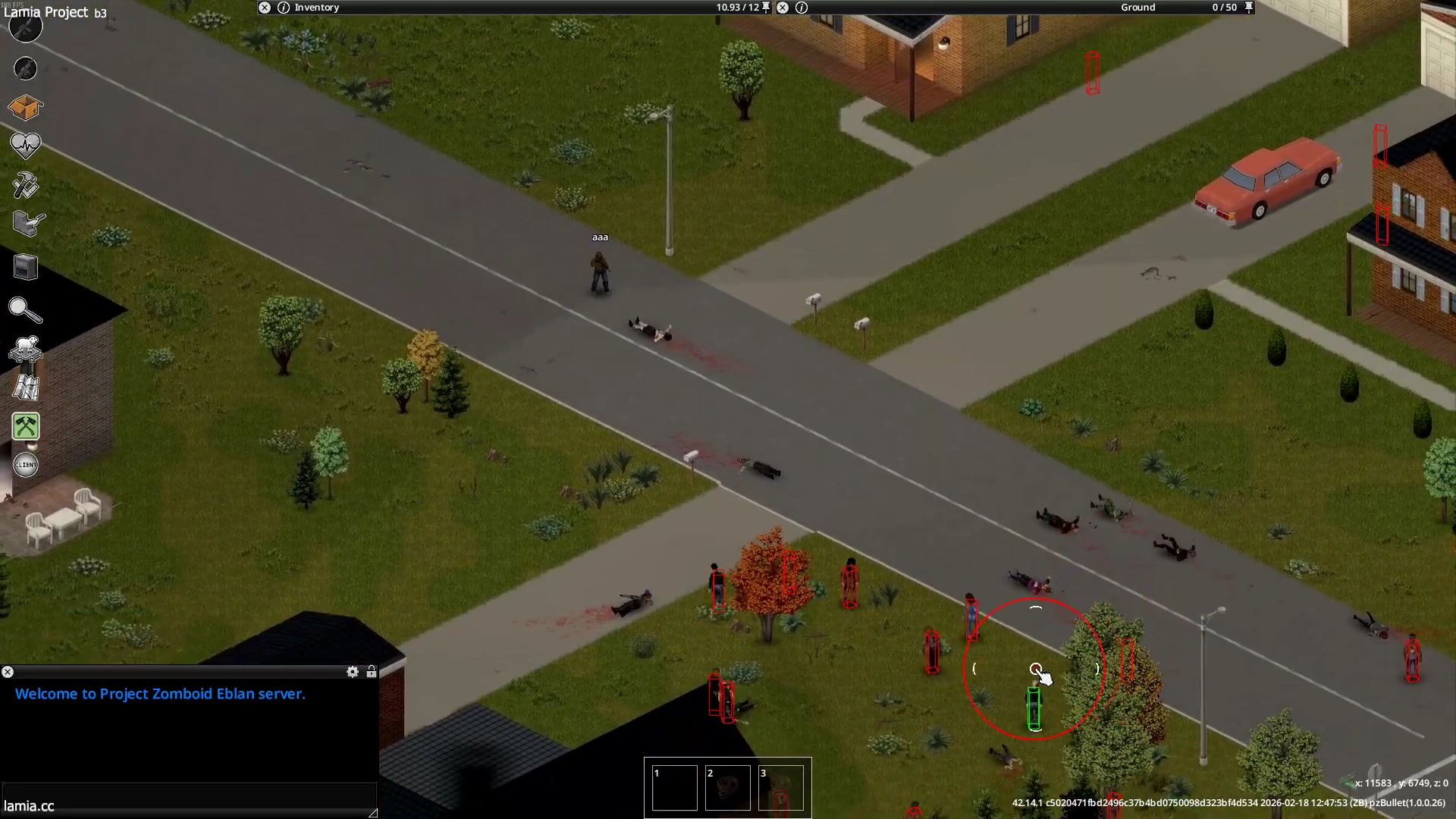
Our project zomboid ESP shows every zombie position through walls with distance live on your screen so you always know exactly where the threat is before it gets anywhere near your character. Track zombies across the map, see item and resources locations through walls, and know exactly what you are walking into before you enter any building or location. Every ESP feature is toggleable so your screen stays clean and only shows the info you actually need.
-
Cheat Menu & God Mode
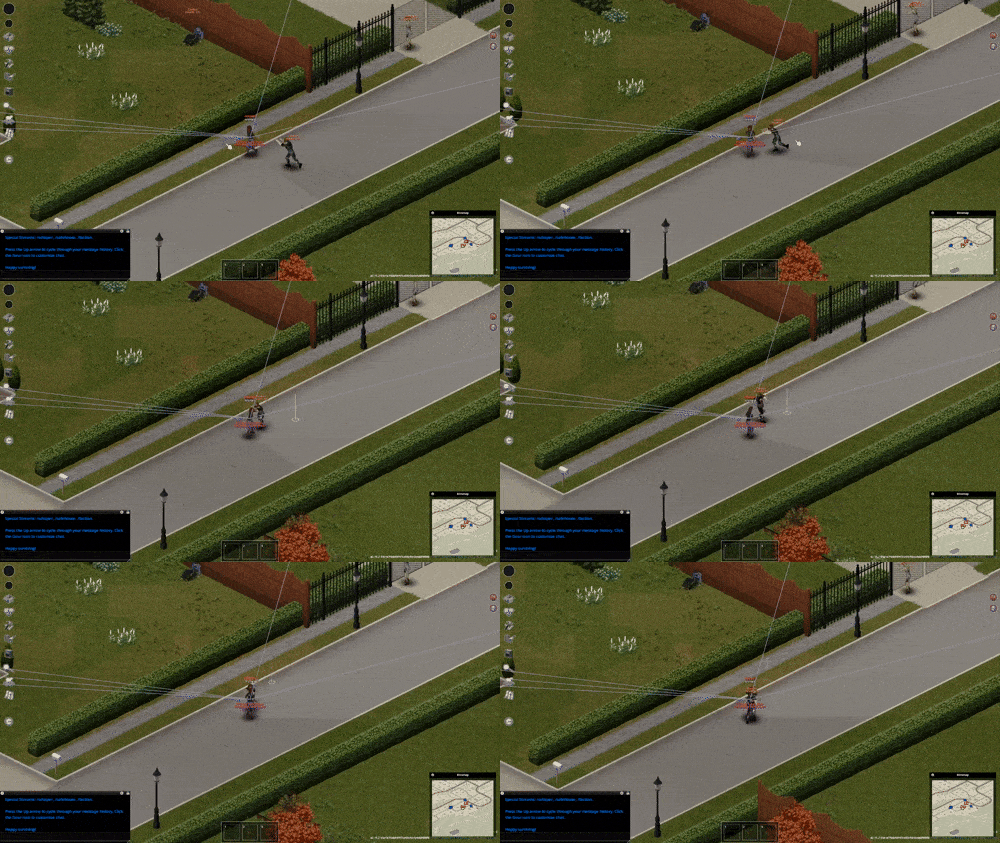
Our project zomboid cheat menu gives every user full control over every aspect of the game from a single in-game menu. God mode makes your character completely invulnerable so zombies, injury, hunger, and every survival threat cannot end your run. The item spawner lets you spawn any weapon, resource, or item directly into your inventory so you never run out of anything. XP and skills can be set to any specific level instantly so your character has the abilities you want without the grind.
What do we offer?
At Cosmo Cheats, our motto is to provide high-quality undetected cheats and Spoofers with 24/7 Exceptional Support🥇
-
Quality and Security
Our project zomboid cheats are tested and confirmed clean before every single release. Every game update gets a tested cheats build pushed fast so the cheat menu, god mode, and all features stay up to date. We do not release project zomboid cheats until confirmed clean and working across current Steam versions of the game. Check posts on our page after any project zomboid update before you load in to make sure you are on the latest version.
-
Wide Range of Features
Beyond ESP and god mode our full project zomboid cheats package covers item spawner, XP boost, skills editor, weather control, zombie spawn control, and more features all accessible through the cheat menu. Every feature works across single player and multiplayer server modes and the full project zomboid cheats list is on our website page. Check community posts for setup tips and recommendations from users already running the cheats.
-
Fast and Reliable Support
Support replies fast. Got an issue after a project zomboid update? Hit up our website or Discord same day. Check existing posts and comments before submitting a new one since most project zomboid cheats issues have already been covered in detail by the community. We do not leave users waiting on broken project zomboid cheats and every build gets fixed fast after a game update.
-
Easy-to-Use Interface
Download, run as admin, load the project zomboid cheat menu, toggle the features you want, and play. Setup takes about five minutes. Clean cheat menu, every feature clearly labelled, works across single player and multiplayer server modes from day one on any date you download it.
Frequently Asked Questions
-
Are Project Zomboid Cheats Undetected?
Yes. Our project zomboid cheats are tested before every release and we push updates fast whenever the game patches on Steam. Note that multiplayer servers with active server admins may notice unusual behaviour from obvious god mode or item spawner use so keep features at sensible settings on public servers. Our project zomboid cheats work best in single player, on a private server with friends, or on servers where you have admin rights. Check posts on our page for server-specific notes before you load in.
-
Do Project Zomboid Cheats Work on Multiplayer Servers?
Our project zomboid cheats work in multiplayer but the experience depends on the server. A private server with friends is the safest environment for running the full project zomboid cheat menu without any risk of admin intervention. Public servers with active server admins may flag unusual character behaviour so keep your settings sensible in those environments. The best cheat menu settings for multiplayer are covered in community posts on our page so check there before jumping into a server with friends.
-
Do Project Zomboid Cheats Work With Mods?
Yes. Our project zomboid cheats work alongside most mods from Steam Workshop. Mods that add new items, recipes, skills, weapons, and objects are all compatible with our project zomboid cheat menu and the item spawner works with modded items as well. Check posts on our page for any mod-specific compatibility notes and make sure you are on the latest version of both the cheat and your mods before loading in. If you run into any issue check the comments section on our page or post on our Discord.
Real Talk About Project Zomboid Cheats
-
Why Project Zomboid Is Hard Without Cheats
Project zomboid is a game that does not apologise for how difficult it is and every user who has spent real time with it has experienced the frustration of losing a character they spent hours building. Skills take forever to level, resources are constantly running low, and the zombie population on most server settings makes every trip outside genuinely dangerous at every stage of the game. Players on multiplayer servers who have been playing project zomboid since early access have character builds, skill levels, and resource stockpiles that took enormous amounts of time to accumulate and competing with that without any tools to assist is a slow process. Our project zomboid cheats fix this from the moment you download. God mode removes the death risk entirely, the item spawner puts every weapon and resource directly into your inventory, and the skills editor sets your character to whatever specific level you want instantly. Every one of those features is accessible through the cheat menu and toggled on and off with a right click without any interruption to your session.
-
Using Project Zomboid Cheats Smart
The project zomboid cheats community on our page is active and the posts and comments cover every type of user from solo players to multiplayer server regulars. Players post about using the cheat menu to set up custom scenarios on a private server with friends, controlling the weather and zombie spawns to create specific gameplay experiences, and using the item spawner to test character builds without grinding resources first. The most handy feature for multiplayer users is being able to toggle cheats on and off through the cheat menu mid-session so your gameplay looks natural to other server users when you need it to. Check posts and comments on our page for setup recommendations, sign up to the Discord for real time advice, and check what other users are doing with the full project zomboid cheats feature set before you download. The community suggestions and comments on our page are worth reading before you run the cheat for the first time.
Project Zomboid Console Commands & Cheat Menu Reference
-
How to Enable Debug Mode
To enable debug mode in project zomboid right click the game in your Steam library, open launch options, and enter the debug launch option. Launch project zomboid with this active and the debug menu becomes accessible through the insect icon in the top left corner of your screen. From the debug menu you can access the full range of project zomboid debug options and enter cheats including god mode, item spawner, weather controls, and character skill editors. Note that debug mode works in single player and on a private server where you have admin rights. Server admins on a multiplayer server can access a separate range of commands through the chat window.
-
God Mode and Player Invisible
With the debug menu open enable god mode to make your character completely invulnerable to every survival threat in project zomboid. Player invisible makes your character undetectable to zombies so you can move freely through any location without triggering a zombie response. Both god mode and player invisible are toggle options in the debug menu and can be disabled at any point during a session. These are the two most used project zomboid cheats and the ones most commented about across the reddit and community posts about project zomboid cheat options.
-
Item Spawner, Spawn Items & Recipes
The item spawner in the project zomboid debug menu lets you spawn any item directly into your inventory or onto the ground at your location. Search for any item by name, set the quantity, and spawn it instantly. Spawn items including weapons, food, medical supplies, tools, and recipes without needing to find them in the world. The item spawner works with vanilla project zomboid items and modded items from Steam Workshop. This is one of the most handy features in the project zomboid cheat menu and worth taking a bit of time to explore fully since the item list covers every object in the game.
-
XP, Skills and Character Editor
Skills and XP are edited through the project zomboid debug menu. Select any skill from the character list and set it to a specific level instantly. Every skill in project zomboid can be set to whatever specific level you want without grinding. This function works for every character skill including combat, crafting, and survival skills and is one of the most requested features users ask about in posts and comments on project zomboid cheat pages.
-
Weather and World Commands
Weather in project zomboid is controlled through the debug menu. Change rain, fog, temperature, and wind instantly through the context menu weather settings. Server admins on a private server can enter weather codes through the chat window to apply changes server-wide. Sandbox settings and zombie spawn controls are also accessible through the debug options for users with admin rights and let you create the exact project zomboid experience you want on any server. These commands are explained in detail in community posts and the project zomboid reddit has plenty of example setups worth checking before you start editing world settings.
-
Posts
-
-
-
Total Members 132561
-
Most Online 48632
-
Newest Member APEX REAL

-
-
Featured Products
-

Cosmo Project Zomboid
UNDETECTEDfrom 4.00
-
-
Members
- MISSWIZZ23
- Alectts
- dior313
- nordan
- itsconjured
- pmannz
- Nyel
- Erenziin
- acp09030
- Noah Whitt
- jon snaip
- johnnyhard
- Pinching Cares
- DIVINE
- 503fast
- Andresagm
- tr1nn1x
- Todindy Na
- Benjamín Armstrong
- Sansar2034
- el quimi
- Landon Packett
- gen5generator
- pocho
- Usually Electronics
- Derek Bourgeois
- Simplyhacked
- Ann111a111
- shusuka
- APEX REAL
- zyeoted
- Deivy
- Twerking
- Savagey
- edgardo
- blast0004
- latimsnow _off
- DashAdactyl
- kahyden hmblin
- p8ntballa304
- Nino Lord
- James Ryan Ponting Henderson
- DemiGodTkk
- Donk2
- Scoobert
- TwinScrewedK
- Jahogan
- zeniq
- Mikey Cruz
- zzzzzzzzz
- Luh Crankfr
-
Tell a friend